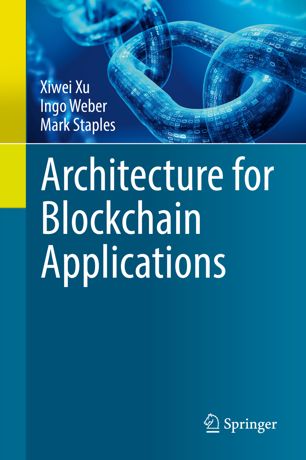
I am the Chief Technology Officer for the Digital Finance Cooperative Research Centre (DFCRC), and a Senior Principal Researcher at CSIRO’s Data61. My research is in software engineering, software architecture, and blockchain. I am a co-author of the book Architecture for Blockchain Applications. I represent Australia in the international standardization committee on blockchain ISO/TC 307, under Standard Australia’s leadership of that committee. At the DFCRC I led the technology stream developing the platform for the world’s first “real CBDC” in an advanced economy, used in a pilot project with the Reserve Bank of Australia. I was on the steering committee for Australia’s National Blockchain Roadmap while it was active, and co-chaired its working group on Supply Chains. I was on OECD’s Blockchain Expert Policy Advisory Board that produced the OECD’s recommendations on blockchain and DLT.
In 2019 I was the acting director of the Data Standards Body for Australia’s Consumer Data Right (Open Banking) during the version 1.0.0 release of those data standards. Previously I was a research group leader for the Software Systems group in Data61, after the merger of NICTA and CSIRO. In 2014 I spent a year as the Systems Engineering team leader at Saluda Medical, a medical device startup spun out of NICTA. Earlier at NICTA I led the Empirical Software Engineering research group, was the founding leader of the Fraunhofer Project Centre in Transport and Logistics at NICTA, and led the creation of the Future Logistics Living Lab with Fraunhofer and SAP Research.
Before moving to NICTA, I worked in Australian software development companies. I was the Process and Tools Manager at QSI Payments/Dialect Solutions (now part of MasterCard’s global payment gateway solutions), and a Configuration Manager at Foxboro Australia/Invensys (now Siemens). Prior to that I was at the University of Cambridge Computer Laboratory, where I completed a PhD and worked as a Research Associate in the Automated Reasoning Group. I co-founded the Cambridge University Australian and New Zealand Society, and in the first year of the society we won the Varsity Aussie Rules Footy Match for the first time in 10 years.
I am on linkedin.